XRP Engineering Design Process Lesson 3
Source deck:
Overview
In this lesson, you will learn how to sketch primitive 3D shapes such as cubes, cylinders, and prisms isometrically.
Learning Outcomes
- Develop strategies for identifying and outlining the key elements of a concept sketch using basic shapes and gradually adding details to create a refined concept drawing.
- Develop strategies for using shading techniques such as hatching, cross-hatching, and stippling to create depth and dimension in sketches and accurately represent light sources and shadows.
- Develop strategies for collaborating with peers to interpret and recreate 3D structures from sketches, providing and receiving constructive feedback to improve clarity and detail in drawings.
Prepare
Materials Needed
- Student slide deck
- 3D-printed primitive shapes, one set per group or individual
- Graph paper
- Paper
- Pencils
- Markers
Learn and Apply
Elements of Concept Sketching
Concept sketching is divided into five key components that help you build a clear drawing step by step.
- Identify the Key Elements: Determine the main components of the concept you need to visualize.
- Basic Forms: Start with simple forms to outline the structure such as circles, rectangles, and lines.
- Add Details: Gradually add more details to the basic forms, refining the sketch.
- Use Annotations: Label parts of the sketch, indicate dimensions, and add any necessary notes.
- Review and Refine: Check for clarity and adjust as needed.
Adding Details
As you begin to add details to your drawing, use the following methods to refine the sketch.
Outline Refinement
Gradually refine the basic forms by adding curves, edges, and specific features. This step starts giving character to the sketch.
Shading with Value
Add shading to indicate different values and give a sense of depth.
- Light Source: Determine where the light source is coming from. This helps you decide where to place shadows and highlights.
- Gradation: Use gradation to show curved surfaces. Lighter areas should be closer to the light source, while darker areas are farther away.
- Techniques: Use hatching, cross-hatching, or stippling to create different shades.
Adding Shadows
Shadows help anchor the object and give a sense of realism.
- Cast Shadow: The shadow that the object casts on the surface it is placed on. This should mimic the shape of the object but be distorted based on the light angle.
- Form Shadow: The shadow on the object itself, on the side away from the light source. This helps show the object's volume and contour.
Sketching Reference Focus Areas
Use these focus areas while reviewing example sketches in the source lesson.
| Focus Area | Example |
|---|---|
| Outline | 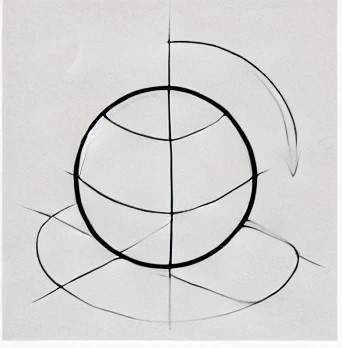 |
| Cast Shadow | 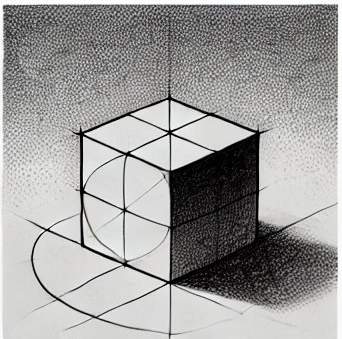 |
| Form Shadow | 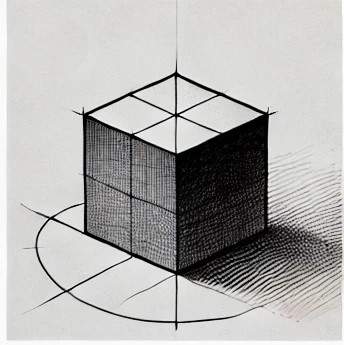 |
| Gradation | 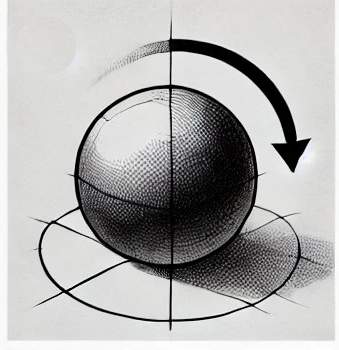 |
| Light Source | 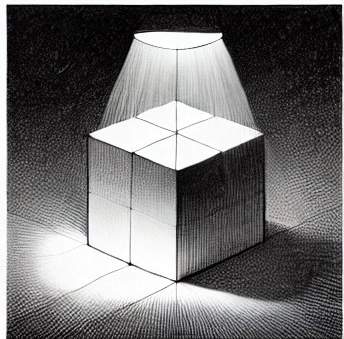 |
| Techniques | 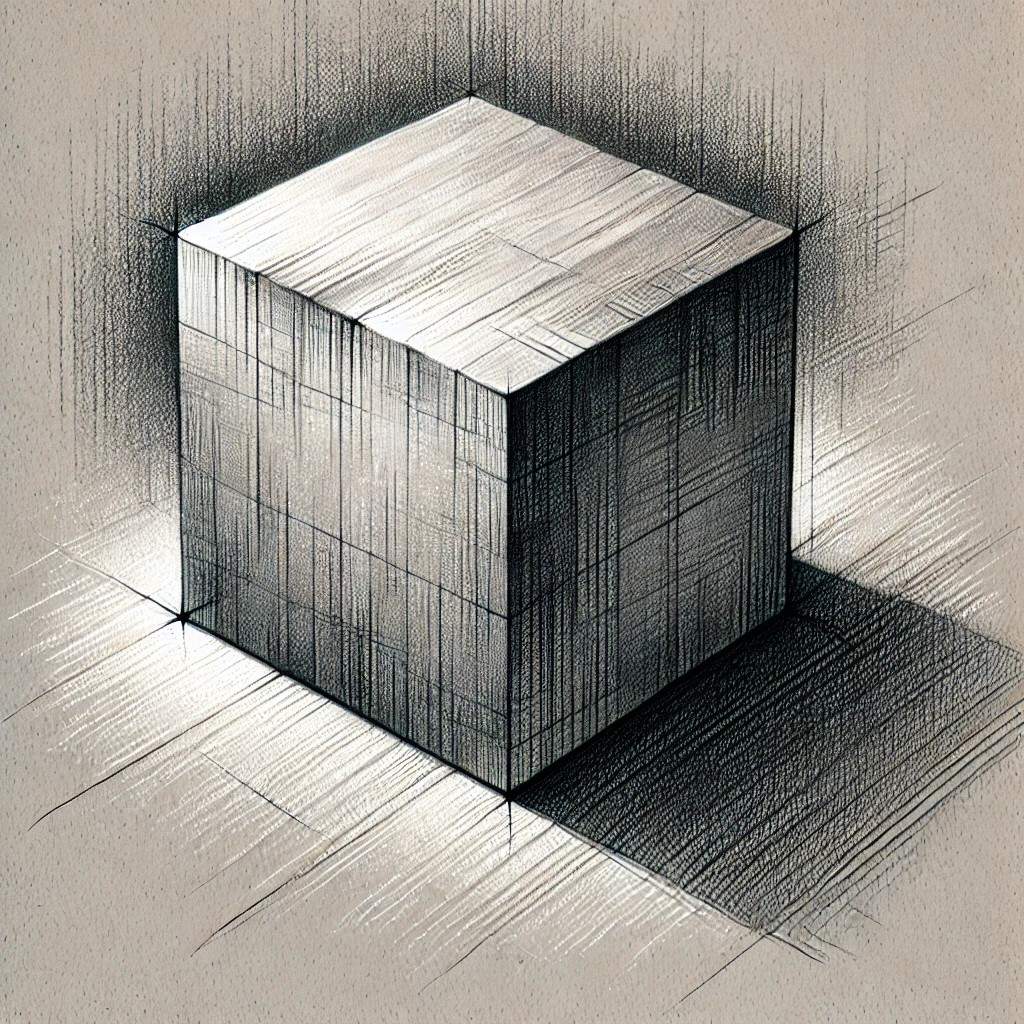 |
Sketching and Drawing Challenge
Select one of the 3D primitives and begin sketching. See how detailed you are able to make your sketch.
Consider sharing the original primitive and your sketch with another individual and ask for feedback. Continue iterating until your shape is clear to others.
Complex Forms Made from Primitive Forms
Combine primitive forms to understand how more complex structures can be broken into simple shapes before sketching them.
Create a Structure Challenge
Take three of your 3D-printed primitive forms and create a structure. Concept sketch that structure.
Complete this for two to three more iterations to see the progression in your sketching. Show your final sketch to another individual and see if they can build the structure using the primitives.